Key Takeaways
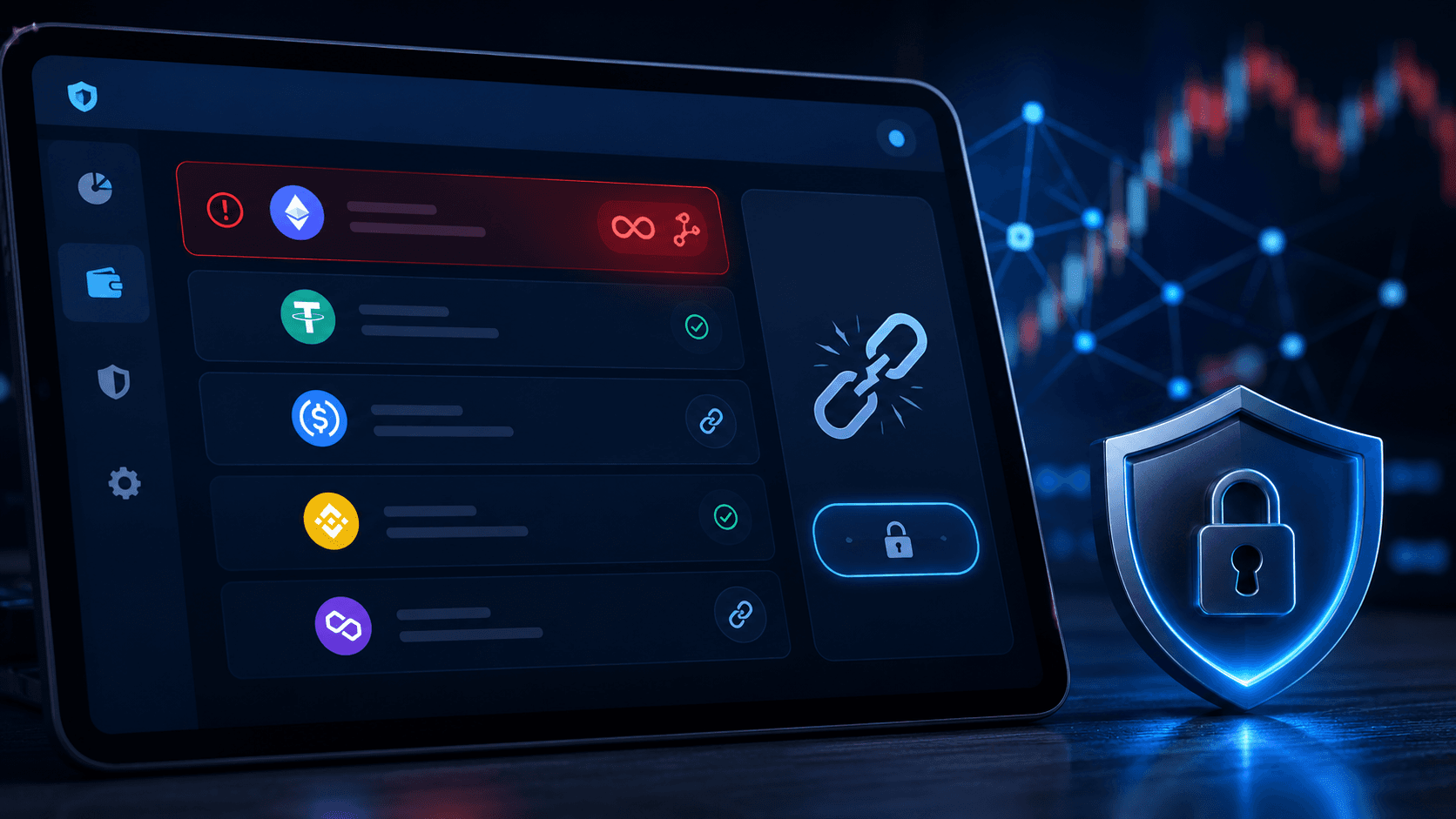
Token approvals are permissions you give smart contracts to move tokens out of your wallet, and they don't expire on their own. They stay active until you remove them.
Unlimited approvals are convenient because you only sign once, but they're risky. If that contract is ever hacked or turns out to be sketchy, it could move more tokens than you ever planned to spend.
Tools like Revoke.cash and the approval manager built into wallets such as Rabby make cleanup easy. A quick monthly review is one of the simplest wins for wallet security.
Introduction
If you're new to crypto, you've probably heard the usual safety advice: protect your seed phrase, use a hardware wallet, and never click suspicious links. Great advice, but there's one more piece of the puzzle most beginners miss: token approvals.
Every time you use a DeFi app, swap tokens, deposit into a protocol, or connect to a new tool, you may be giving that smart contract permission to move tokens from your wallet. Sometimes that permission is small. Sometimes it's effectively unlimited.
And here's the part that catches people off guard: those approvals don't go away when you stop using the app. They stick around quietly in the background. If that contract ever gets exploited later, your old approval can come back to bite you.
Don't worry, cleaning this up is easier than it sounds. In this guide, we'll walk through what token approvals are, why unlimited approvals can be risky, and how to revoke them step by step using Revoke.cash. We'll also cover how Rabby Wallet's approval tools fit in, and how to build a simple monthly habit that keeps your wallet healthy.
What Are Token Approvals?
A token approval is permission that lets a smart contract spend a specific token from your wallet. It's how most DeFi apps work behind the scenes.
Here are a few everyday examples:
A DEX needs approval before it can swap your token.
A lending protocol needs approval before it can deposit or move your assets.
A staking app needs approval to pull tokens into its contract.
A yield tool may ask for broad permissions to save you future signing steps.
Without approvals, a lot of on-chain apps simply wouldn't work.
Why Approvals Exist in the First Place
On Ethereum and other EVM-compatible networks, token standards like ERC-20 keep ownership separate from contract access. That means a smart contract can't just reach into your wallet because you connected to its website. You have to actively approve it first.
That design is great for safety, but it creates a fresh question for every interaction: how much access are you giving, and for how long?
Limited Approval vs Unlimited Approval
When a wallet asks for an approval, the permission can be either narrow (just this transaction) or broad (basically open-ended). Here's a quick comparison.
Approval Type | What It Means | Main Risk |
Limited approval | The contract can spend only a set amount. | Lower risk, but you'll need to approve again later for new transactions. |
Unlimited approval | The contract can spend as much as it wants. | Much higher risk if the contract is ever compromised or malicious. |
Unlimited approvals became popular because they reduce friction. You approve once and never have to think about it again. The convenience is real, but so is the risk.
Why Unlimited Approvals Can Be Dangerous
An unlimited approval doesn't move tokens by itself. It just grants permission. The danger shows up when something goes wrong with the contract you approved.
Here's when things can turn ugly:
The protocol gets hacked.
The contract has a hidden flaw nobody noticed.
A fake frontend tricks users into approving the wrong contract.
A sneaky upgrade changes how the contract behaves.
A copycat app pretends to be the real protocol.
So the real danger isn't the approval itself. It's the approval combined with a future problem.
Why Old Approvals Are a Problem
This is the part most beginners forget: approvals stay active. There's no auto-expiry.
You might still have live approvals from:
A DEX you used six months ago.
A farming app you tried once and never returned to.
A bridge you used for a single transfer.
An NFT or meme token tool you experimented with.
All of those permissions are still part of your wallet's risk surface. Here's a quick look at why that matters.
Situation | Why It's Risky |
You stopped using the app. | The approval is still active and waiting. |
The protocol gets exploited later. | Old permissions can become a live attack route. |
You once approved the wrong contract. | That exposure could still be sitting in your wallet. |
You connected during a phishing incident. | The attacker may still have spend rights to your tokens. |
That's why revoking old approvals is such a useful cleanup habit.
When Should You Revoke Token Approvals?
There's no single "correct" schedule. The good moments to check usually look like this:
After using a protocol you don't plan to use again.
After trying a new or experimental app.
After news of an exploit on a protocol you've used.
After signing a transaction that felt off.
During a monthly wallet hygiene review.
Before moving long-term funds into a wallet meant for storage.
If you're an active DeFi user, checking regularly is just part of the game.
Step-by-Step: How to Revoke Approvals Using Revoke.cash
Revoke.cash is one of the most widely used tools for reviewing and removing token approvals across supported wallets and networks. The interface can change over time, but the basic flow stays the same.
Step 1: Go to the Official Revoke.cash Website
Before you connect anything, double-check that you're on the real domain. Fake "approval manager" sites are themselves a popular phishing trick, so this first step matters more than it sounds.
Step 2: Connect Your Wallet
Connect the wallet you want to review. This could be MetaMask, Rabby, WalletConnect, or another supported option. At this stage you're just letting the site read your approvals. You're not revoking anything yet.
Step 3: Select the Correct Network
Approvals are chain-specific. If you've used Ethereum, Arbitrum, Base, BNB Chain, Polygon, or other networks, you'll need to review each one separately.
Step 4: Review the Token Approvals List
Revoke.cash will usually show you the token name, the spender contract, the approved amount, and whether the amount looks unlimited. This is your main review screen. Look out for:
Protocols you no longer use.
Very old approvals you'd forgotten about.
Unknown spender names.
Unlimited approvals that aren't necessary anymore.
Approvals tied to protocols that have had recent incidents.
Step 5: Choose Which Approval to Revoke
Pick the approval you want to remove. Revoking usually means setting the approved amount to zero through an on-chain transaction.
Step 6: Confirm the Transaction in Your Wallet
Your wallet will ask you to sign the transaction and pay a gas fee. This is a real on-chain transaction, so it isn't free on most networks. Budget for it.
Step 7: Wait for Confirmation
Once the transaction confirms, the approval is removed or reduced. You can refresh the page or check the block explorer to make sure the change went through.
Revoke.cash Walkthrough Summary
Step | Action | Why It Matters |
1 | Open the official Revoke.cash site. | Avoid phishing copycats. |
2 | Connect your wallet. | Lets the tool read your approvals. |
3 | Select the correct network. | Approvals exist per chain. |
4 | Review the spender list. | Find stale or risky permissions. |
5 | Revoke the selected approval. | Removes the contract's spend rights. |
6 | Confirm in your wallet. | Finalises the on-chain change. |
7 | Verify success. | Confirms the approval is actually gone. |
Using the Rabby Wallet Approval Manager
Rabby Wallet has built-in approval visibility and management features that a lot of users find handy for routine review. Depending on your wallet version and the chain you're on, you can usually:
Inspect your existing approvals.
Review spender contracts.
Reduce or revoke permissions directly.
Get warnings around suspicious interactions before you sign.
Revoke.cash vs Wallet Approval Manager
Tool | Best For | Main Strength |
Dedicated approval review and revocation. | Wide recognition and a focused, structured workflow. | |
Rabby approval manager | Ongoing wallet-level review. | Convenient visibility right inside your wallet. |
These two approaches actually work well together. A lot of people use the in-wallet tools for everyday awareness and then run Revoke.cash for a deeper monthly cleanup.
Post-Exploit Emergency Revocation Routine
If a protocol you've used gets hacked, or if you think you accidentally signed something suspicious, time matters. Here's a quick checklist you can follow.
Emergency Approval Cleanup Checklist
No. | Action | What to Do |
1 | Stop interacting with the affected app. | Don't sign anything else until you understand the issue. |
2 | Move to a trusted device and network. | If your device might be compromised, treat the problem as bigger than just approvals. |
3 | Revoke approvals related to the affected app. | Start with that protocol, then expand to recent activity. |
4 | Review wallet balances and recent transactions. | Look for unexpected token movement or new approvals. |
5 | Consider moving remaining assets. | If risk is still unclear, shifting funds to a safer wallet is reasonable. |
Many users keep their long-term holdings on a hardware wallet (such as Ledger) to keep day-to-day DeFi risk separate from their core savings.
How Often Should You Revoke Approvals?
Not every approval needs to be revoked right after every transaction. That would be exhausting for active users. A better approach is to match how often you review with how active you are.
Simple Approval Hygiene Schedule
User Type | Suggested Review Frequency |
Active DeFi user | Weekly to monthly. |
Occasional user | Monthly, or after using a major new app. |
Long-term holder | After any new protocol interaction. |
Post-incident user | Immediately after suspicious activity or exploit news. |
The key really is consistency. A simple recurring habit beats a once-a-year deep clean.
Monthly Wallet Hygiene Template
Here's a simple checklist you can run once a month:
Review approvals on every chain you've used recently.
Revoke permissions for apps you no longer use.
Remove unlimited approvals that aren't necessary.
Check for unfamiliar spender contracts.
Keep your active trading wallet separate from your storage wallet.
Review your browser extensions and overall wallet security.
Confirm your seed phrase backups and basic device hygiene.
Tools like TradingView can help you keep an eye on price reactions during exploit events, but charts don't fix wallet exposure. Approval hygiene is operational security, not price analysis.
Common Mistakes When Revoking Approvals
1. Thinking Approvals Expire Automatically
Most don't. Unless you revoke them, they stay active.
2. Only Revoking on One Chain
If you use multiple networks, each one has its own approvals. Checking only Ethereum and ignoring Arbitrum or Base leaves the door open.
3. Ignoring Small Tokens
Attackers don't only chase whales. Any active approval is a possible exposure, so don't dismiss the small stuff.
4. Trusting Random Tools
Always verify the tool and the domain before you connect your wallet. Fake approval managers exist for the same reason real ones do.
5. Assuming Hardware Wallets Remove Approval Risk
Hardware wallets protect your keys, which is huge. But they don't cancel out approvals you already signed. Those still need to be revoked.
Final Thought
Token approvals are a normal part of DeFi, but they shouldn't be invisible. Every approval is a permission, and every old permission is a possible future problem if the wrong contract ever gets compromised.
Revoking approvals is one of the simplest habits that can seriously improve your wallet security. You don't have to be paranoid. You just need a small, repeatable process.
If you review approvals regularly, remove stale permissions, and treat unlimited approvals with extra caution, you'll be operating with a stronger security baseline than most crypto users out there.
FAQ
What is a token approval in crypto?
A token approval is permission that lets a smart contract spend a specific token from your wallet.
Why are unlimited approvals risky?
Because they can let an approved contract spend much more than you intended if that contract later becomes compromised or malicious.
Does revoking an approval move my tokens?
No. Revoking just removes the contract's ability to spend that token from your wallet. Your tokens stay where they are.
Is Revoke.cash safe to use?
It's a widely used approval management tool, but you should always make sure you're on the official site before connecting a wallet.
How often should I revoke token approvals?
Active DeFi users often review weekly or monthly. Others can do it after major interactions or whenever exploit news drops.
Can a hardware wallet protect me from bad approvals?
It protects your private keys, which is great, but it doesn't automatically remove approvals you already granted.
Disclaimer
This content is for educational and informational purposes only and is not financial advice. Nothing here is a recommendation to buy or sell any asset or use any platform. Do your own research and manage your risk.
Need deeper training?
Join our structured modules with live examples and expert checklists for effective implementation.
JOIN THE ACADEMY