Key Takeaways
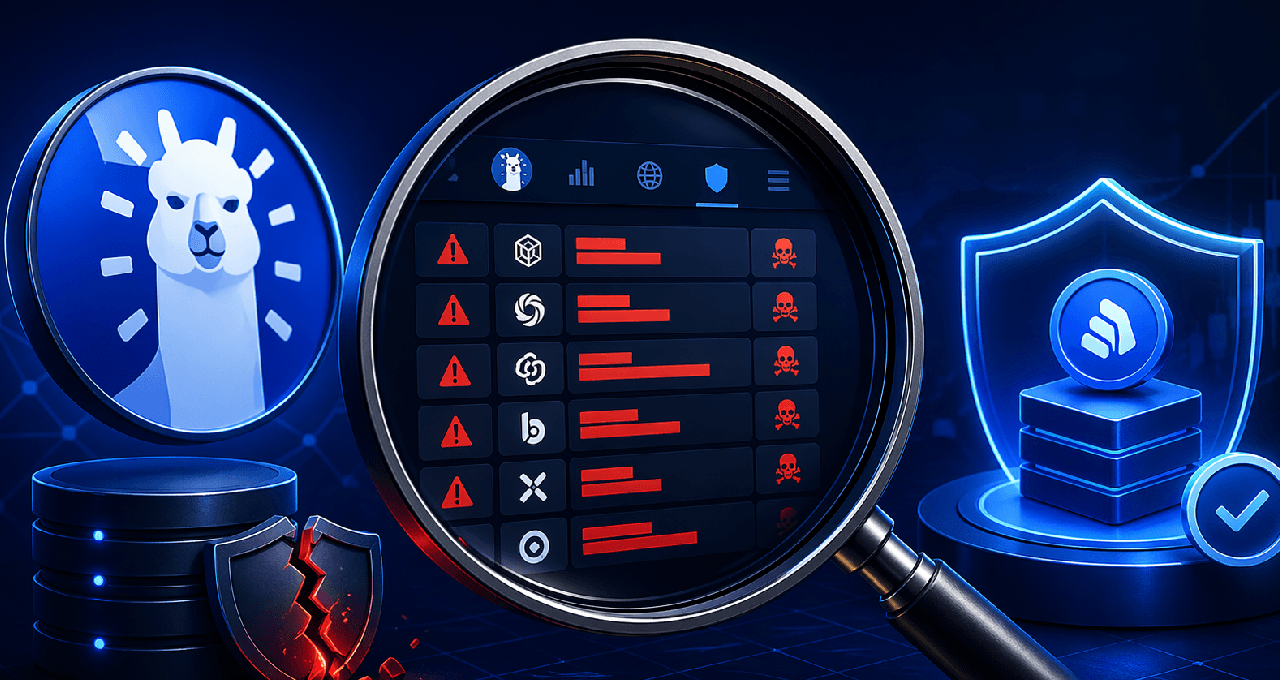
DeFiLlama’s Hacks database is a free, easy-to-use record of crypto exploits going back years. It shows the protocol name, date, amount lost, attack type, and which blockchain it happened on.
A past exploit does not automatically mean you should avoid the protocol. What matters is the attack type, how much was lost, whether the team fixed it and paid users back, and if the protocol bounced back.
Combine this hack history with TVL charts, audit reports, and a simple risk checklist to get a clear, real-world picture of how safe a protocol really is.
Why Hack History Should Be Part of Your Research
Hey, if you’re new to DeFi trading, you’ve probably spent time checking APY rates and token price charts. That’s great, but most beginners completely miss one important thing: what has actually gone wrong with the protocol in the past.
The truth is, over $5 billion has been lost in DeFi hacks and exploits since 2020. Some projects got hit once and recovered strong. Others got hit multiple times and never regained trust.
DeFiLlama (the same site you use to check Total Value Locked, or TVL) has a completely free public database that tracks all these incidents. It’s simple, updated regularly, and super helpful once you know how to read it.
This guide walks you through exactly how to use it in six easy steps so you can make smarter, safer decisions.
Step 1: Head to the DeFiLlama Hacks Database
Just go to defillama.com/hacks. No account or login needed.
You’ll see a clean table with every recorded hack, listed from newest to oldest. At the very top there’s a quick summary showing the total funds lost across all incidents.
Each row tells you:
Protocol name
Date of the exploit
Amount lost in USD
Type of attack
Which blockchain it happened on
Step 2: Search for the Specific Protocol You’re Checking
Type the protocol name (for example, a lending platform or yield farm) into the search bar at the top. The table instantly filters.
If results appear, you’ll see every recorded exploit for that project. If nothing shows up, it doesn’t mean the protocol is 100% safe. It could be brand new or simply haven’t had a recorded incident yet. Always double-check with audits too.
Step 3: Use Filters to Spot Patterns
Above the table you’ll find easy filters for blockchain, attack type, or date range.
Want to compare projects on Ethereum only? Filter by chain. Curious about flash-loan attacks? Filter by type. This helps you quickly see which categories or chains have more problems than others.
Understanding the Attack Types
Here’s a simple breakdown of the most common attack types you’ll see and what they actually mean for you as a beginner:
Attack Type | What It Means | Risk Level |
Flash Loan Attack | Attacker borrows huge money in one transaction to mess with prices | Very High |
Smart Contract Bug | A flaw in the code lets funds be drained | High |
Rug Pull | The team deliberately takes user funds and disappears | Very High |
Price Oracle Manipulation | Attacker tricks price feeds to steal assets | High |
Access Control Exploit | Someone gets admin powers they shouldn’t have | High |
Private Key Compromise | Owner’s wallet keys get stolen | Catastrophic |
Step 4: Look for Patterns, Not Just One Incident
One exploit doesn’t automatically make a protocol bad. Ask yourself these questions:
Did the team fix the problem publicly?
Did they compensate users or set up a recovery fund?
Did the protocol keep growing afterward, or did users leave forever?
Has it been hacked more than once?
A project that got hacked once, fixed it fast, and rebuilt trust is very different from one that keeps getting hit with no real response.
Step 5: Check for Post-Exploit Audits
After you find an exploit, go look for audit reports from trusted firms like OpenZeppelin, Certik, Peckshield, or Trail of Bits.
Look for:
An audit done after the hack (not before)
Proof that the exact problem was fixed
No major open issues left
Recent upgrades re-audited
If there was a hack but no new audit afterward, that’s a big red flag.
Step 6: Check TVL Recovery on the Same Chart
Go to the protocol’s main page on DeFiLlama and look at the TVL chart. Find the exact date of the exploit and see what happened:
Did TVL crash right after?
Did it recover over the next months?
Is today’s TVL higher or lower than before the hack?
Strong recovery usually means the community trusted the team’s response. No recovery is often a warning sign.
Setting Your Own Risk Thresholds
There’s no one-size-fits-all rule, but this simple table can help you decide your comfort level:
Exploit History | TVL Today | Suggested Caution Level |
None | Over $500M | Low – still check audits |
One minor incident, funds recovered | $100M–$500M | Moderate – confirm it was fully patched |
One major exploit, no recovery | Under $100M | High – use only small amounts or avoid |
Multiple exploits | Any | Very High – consider skipping entirely |
These are just helpful guideposts. Adjust them based on your own risk tolerance and how much money you’re putting in.
How I Rate DeFiLlama’s Hacks Database: 4.5 out of 5
This tool is incredibly useful, totally free, and beginner-friendly. It earns top marks for being public, searchable, and regularly updated. I knock off half a point only because it doesn’t catch every single small incident and doesn’t show whether problems were fixed. Still, it’s one of the best free resources out there for everyday traders.
Limitations to Keep in Mind
Not every tiny exploit makes it into the database.
It doesn’t tell you if the team actually paid users back or patched the code.
Some rug pulls or social-engineering attacks may have slightly different labels.
Reported losses might differ from what was actually recovered.
Always combine this data with your own extra checks.
Combine This Tool With a Simple DeFi Risk Checklist
Use the hacks database for exploit history, then run the protocol through a full 10-point risk checklist before you deposit anything. Together they give you a much clearer safety picture.
For portfolio tracking, hardware wallet security, and more advanced DeFi tools, explore Ledger Hardware Wallets and HashHedge Risk Management.
FAQ
Is DeFiLlama’s hacks database free to use?
Yes. Just visit defillama.com/hacks. No account or login required.
Does a protocol appearing in the database mean I should avoid it?
Not automatically. Look at the attack type, amount lost, whether it was fixed, users were made whole, and if TVL recovered. One well-handled incident is very different from repeated problems.
How often is the database updated?
The DeFiLlama team updates it regularly. Big incidents usually appear soon after they’re confirmed.
What’s the difference between a hack and a rug pull?
A hack usually involves an outsider exploiting a code weakness. A rug pull is when the project’s own team takes the money and disappears. Both are listed, though the labels can sometimes vary.
Can I use this to compare different blockchains?
Absolutely. Use the chain filter to see which ecosystems have had more exploits historically.
What should I do if a protocol I already use shows up in the database?
Check the exploit date, read the team’s response, look for post-exploit audits, and watch the TVL trend. Make sure your funds are in the updated contract version.
Disclaimer: This content is for educational and informational purposes only and is not financial advice. Nothing here is a recommendation to buy or sell any asset or use any platform. Do your own research and manage your risk.
More Read
DeFiLlama for Beginners: Free Tool to Understand DeFi TVL and Protocols Safely
Need deeper training?
Join our structured modules with live examples and expert checklists for effective implementation.
JOIN THE ACADEMY