If you're just starting in crypto, a portfolio tracker is super helpful. It can mean two simple things:
A quick spot to check coin prices and market info without logging into your exchange.
A tool to track what you own, see how it's performing, check your allocation, and calculate profit or loss.
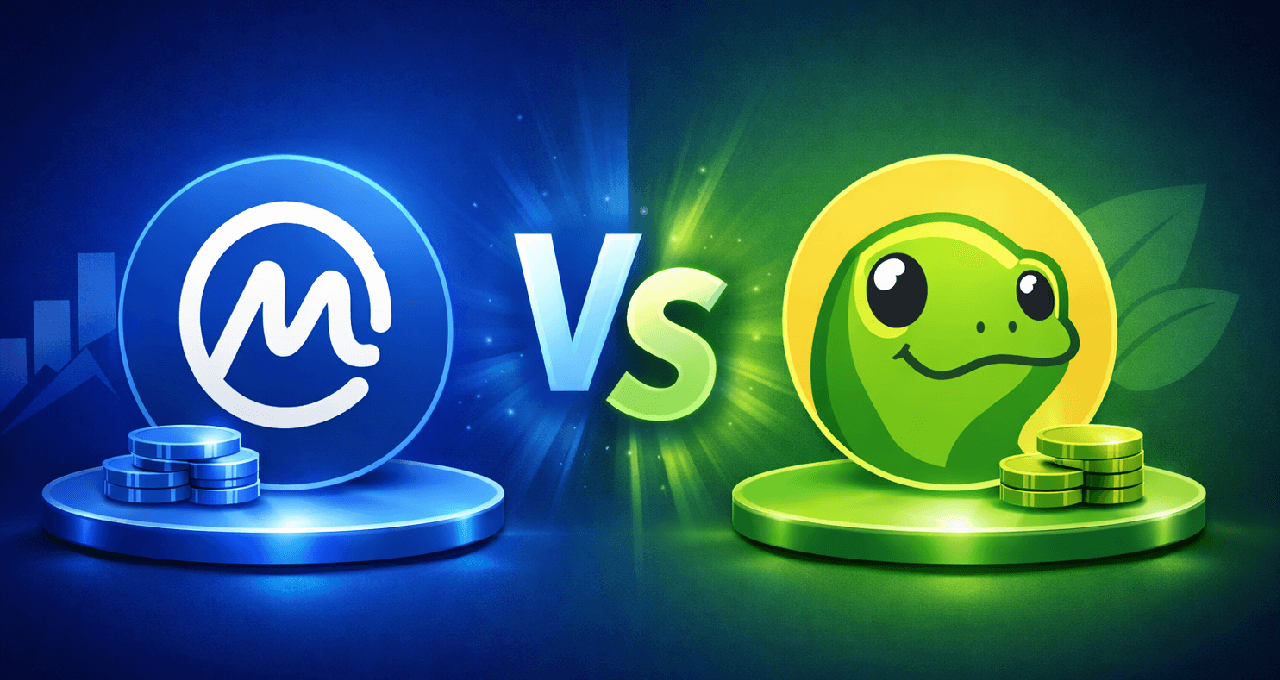
The two most popular free options for beginners are CoinMarketCap (often called CMC) and CoinGecko. These aren't exchanges—they don't hold your money. They're just data websites and apps that show you market info and help you keep an eye on your holdings.
What Both Tools Do Really Well
Both CoinMarketCap and CoinGecko are solid for the basics:
Real-time prices, charts, and market cap
Token supply details (as reported)
Lists of exchanges and trading pairs
A fast overview of the whole market
For most beginners who just want to check prices, either one feels good enough. The big difference comes when you use it as your personal dashboard—does it keep things calm or pull you into extra noise?
Decide Your Main Goal First
Before picking one, think about why you're using it. Here are the top beginner scenarios:
Use Case A: I just want to watch 3–10 coins
You need a simple watchlist, basic price alerts, and clean pages with key info.
Use Case B: I want to see my full holdings
You need a portfolio section where you add buy prices and amounts, plus views for allocation and profit/loss. Optional: easy syncing to save time.
Use Case C: I want to research tokens safely
You need clear links to official sites, explorers, liquidity info, and basic red flags.
Both tools handle all three, but one might feel easier depending on your style.
Quick Comparison Table: CoinMarketCap vs CoinGecko
Here's a simple side-by-side look at what matters most for beginners.
Feature | CoinMarketCap | CoinGecko | What It Means for Beginners |
Overall Feel | More mainstream, feels like media/news | More focused on data, straightforward | If noise overwhelms you, the data-first one feels calmer |
Market Data Pages | Very strong and popular | Strong, often more detailed | Both great for basics |
Portfolio Tracking | Yes (manual entry, some syncing options) | Yes (manual entry, wallet imports) | Both work well—accuracy is on you |
Watchlists | Yes | Yes | Both easy to use |
Price Alerts | Yes (varies by app/account) | Yes (varies by app/account) | Start small—don't set too many |
Research Flow | Lots of sections and extra content | Cleaner, more direct data view | Simpler pages help new traders stay focused |
Distraction Risk | Higher (more prompts and trending stuff) | Lower (mostly just the facts) | Pick the calmer one if you check prices too often |
Features change over time, but the timeless tip is this: choose the one that helps you understand more while checking less.
Portfolio Tracking: Manual vs Syncing (Beginner Advice)
Manual Entry (Safest Way to Learn)
You add each coin yourself: name, how much you own, buy price, and maybe the date.
Pros:
You really learn what you own and why
You spot fees and real costs
No sharing data with anyone
Cons:
Takes a bit more time
Easy to typo something
Best beginner habit:
Only track your main holdings. Update after every buy. If you want, keep a basic spreadsheet as backup.
Syncing (More Convenient, But Be Careful)
Some let you connect exchanges or wallets for auto-updates.
Pros:
Saves time
Dashboard stays current
Cons:
You might not fully understand what's shown
Easy to obsess over tiny changes
Privacy trade-off by sharing access
Beginner rule: If you sync, treat it as a helper—not your only record. Start manual to build good habits.
How to Use Alerts Without Getting Hooked
Alerts are great when they save you time, not stress you out.
Good ones for beginners:
Price hits a level you care about (like breaking a range)
Big drop to a price where you'd buy more
Sharp moves in BTC or ETH (to sense overall market mood)
Avoid:
Alerts on tons of coins you don't own
Too many notifications (constant phone buzz)
Ones based on hype from social media
Tip: Start with just 2–5 alerts max.
What to Check on Any Token Page
On either site, focus on these high-value sections:
Official website and docs links
Contract address (double-check it matches official sources)
Trading pairs and liquidity (is it spread out or stuck on one sketchy exchange?)
Circulating and max supply (understand what it means)
Exchange list (avoid concentration on unknown places)
Warning: Just because a token has a page doesn't mean it's safe. Always verify from official sources yourself.
Mobile App Experience: What Feels Best
The winner is the app you can open quickly without getting sucked in.
Look for:
Clear summary of your portfolio
Easy watchlist
Simple alert controls
Not too much promo clutter
If the app pushes you toward top gainers, trending lists, or clickbait headlines, it can hurt your learning. Go for the one that keeps you calm and focused.
Common Beginner Mistakes (And How to Dodge Them)
Mistake 1: Tracking the wrong token (similar tickers exist)
Fix: Always check chain/network, contract address, and official site.
Mistake 2: Ignoring fees in your buy price
Fix: Manual entry helps you see the real cost basis.
Mistake 3: Thinking rising portfolio = great skills
Fix: Markets go up in bulls for everyone. Use trackers to learn allocation and risk instead.
Mistake 4: Checking the app 20 times a day
Fix: Rely on alerts, not constant refreshing.
So, Which One Should You Pick in 2026?
It comes down to your personality.
Choose CoinGecko if you want:
A cleaner, data-focused experience
Less distraction while researching and tracking
Choose CoinMarketCap if you want:
A more familiar, all-in-one mainstream feel
Many beginners find CoinGecko simpler and less overwhelming. But try both—the best one is whichever helps you track smartly, learn the market, and check prices less often.
Quick FAQ
Is one more accurate?
Both pull from similar sources and can vary slightly. Cross-check big numbers and use them as guides.
Can I safely connect my exchange/wallet?
It's convenient but a privacy step. Many start manuals to learn first.
Do these replace tax tools?
No—they're dashboards. Taxes need detailed transaction records.
Which feels less overwhelming?
CoinGecko often wins for its straightforward, low-noise style.
Suggested next reads from Crypto University:
OKX Vs Bybit: Which Is Better For Beginners
How To Store Crypto Safely: Hot Vs. Cold Wallets And Mistakes
Need deeper training?
Join our structured modules with live examples and expert checklists for effective implementation.
JOIN THE ACADEMY